
How to Know When It’s Time to Replace Your Battery
September 12, 2025
How long will it take to fix my device?
December 27, 2025
From “Low Battery” to Lofi Glory: Restoring a Vintage Sony MDM-X4 MkII 🛠️
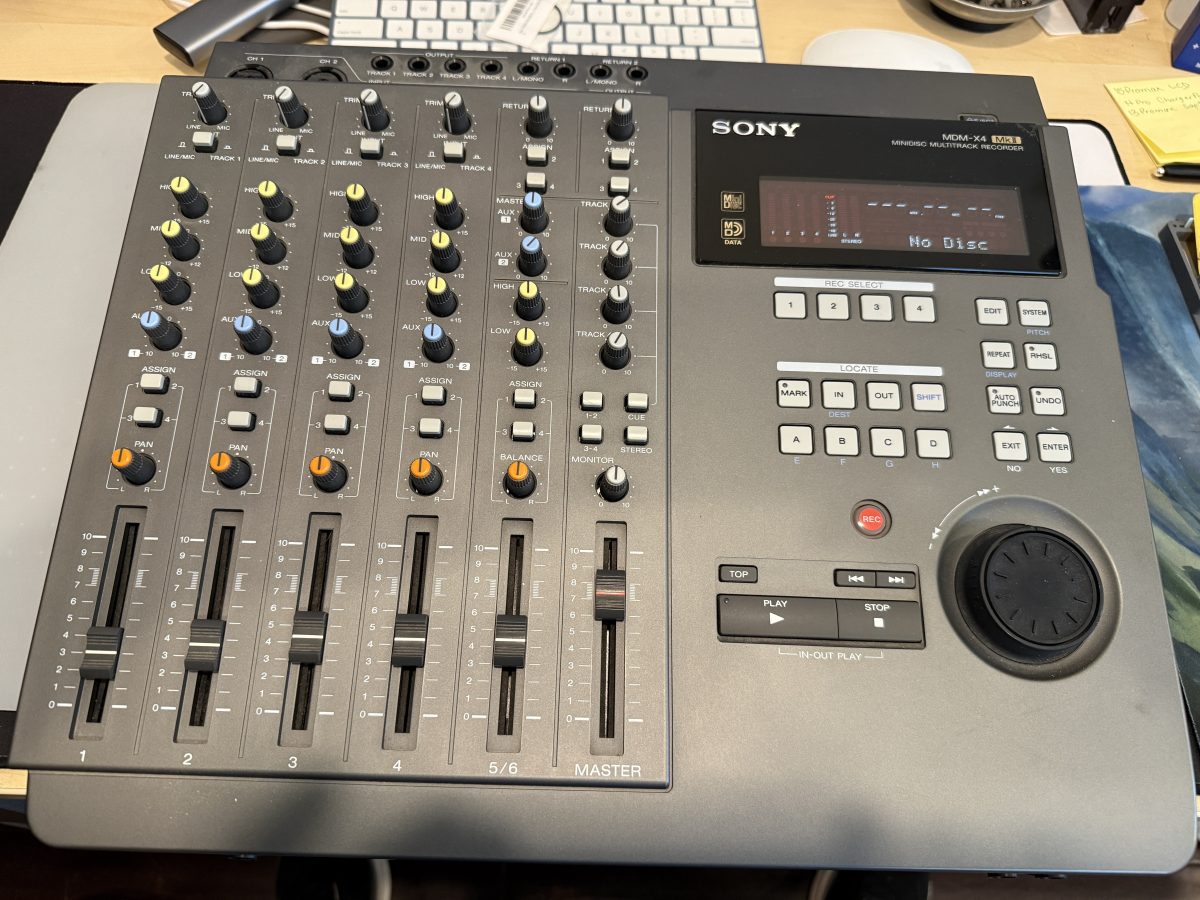
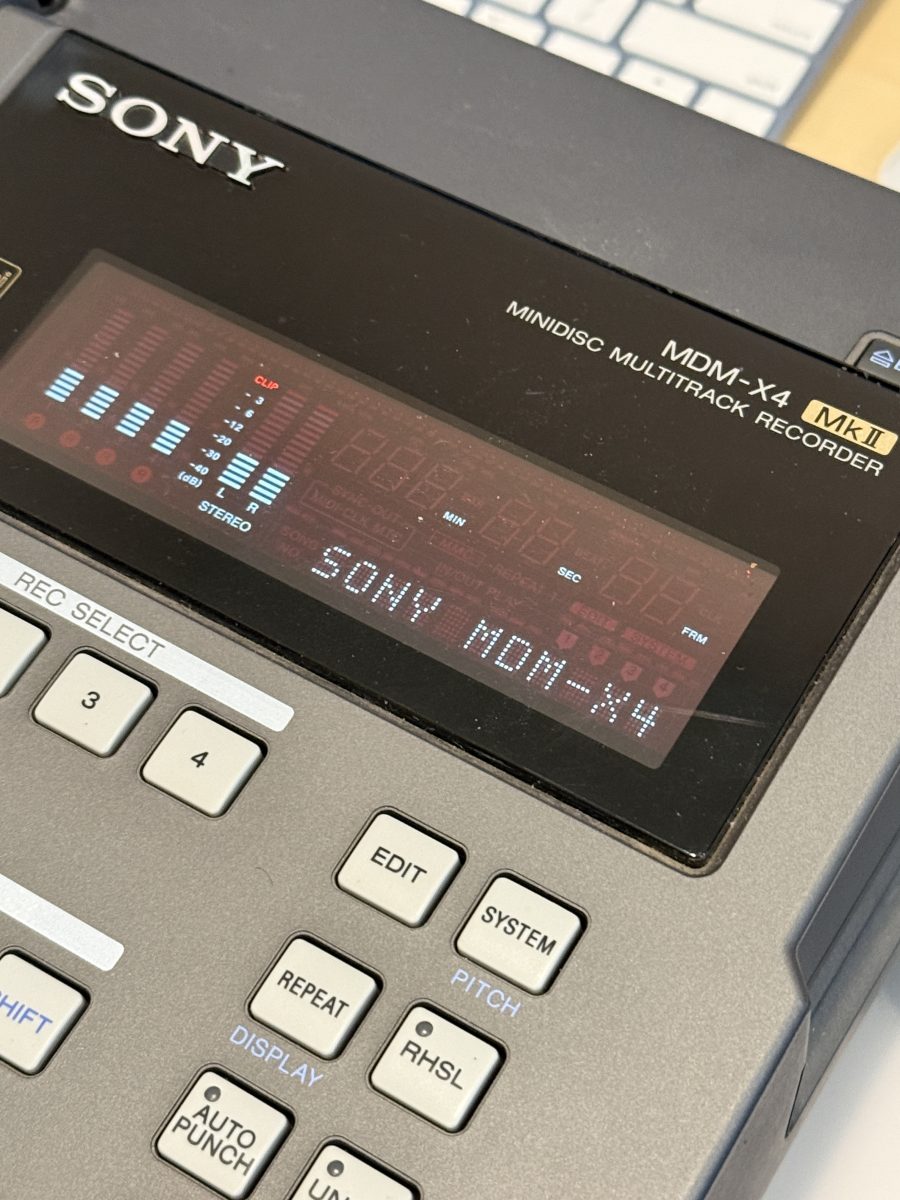
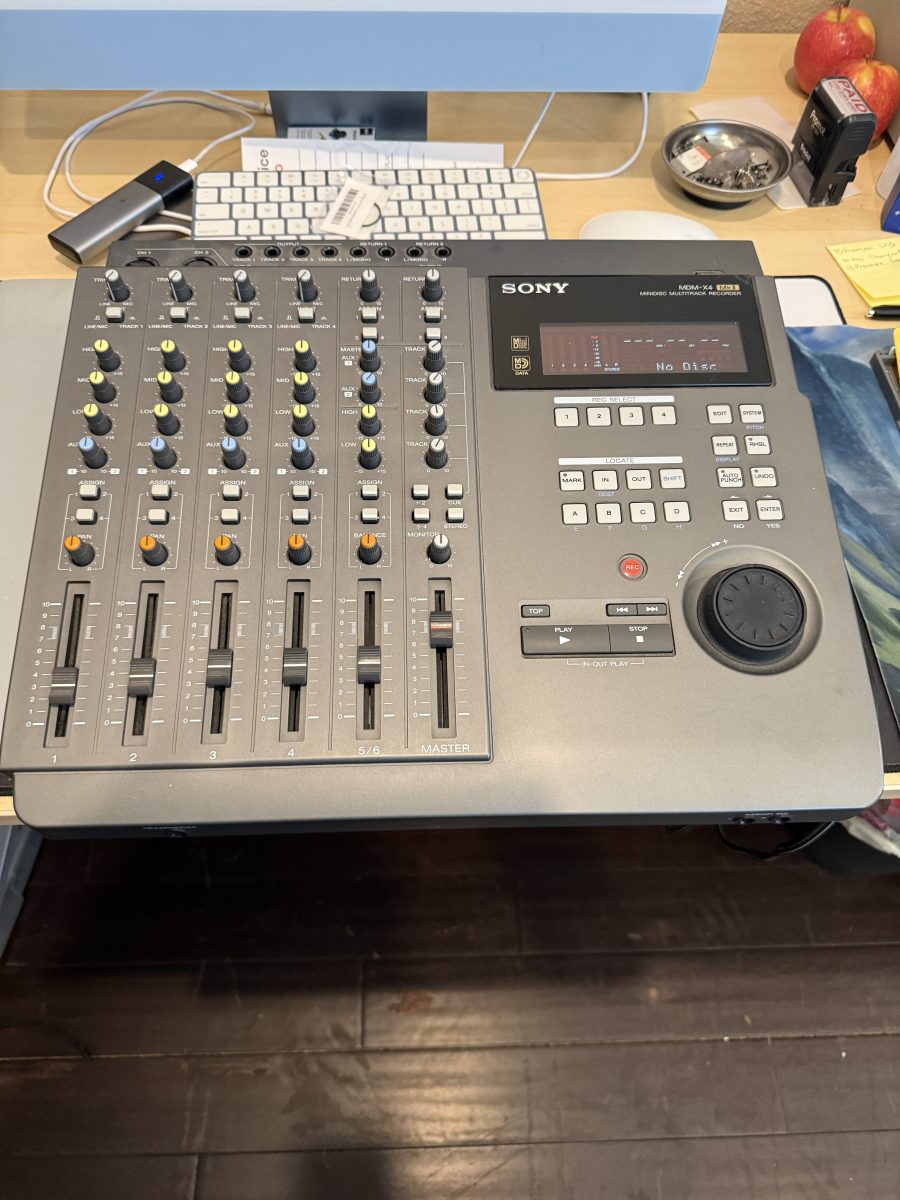
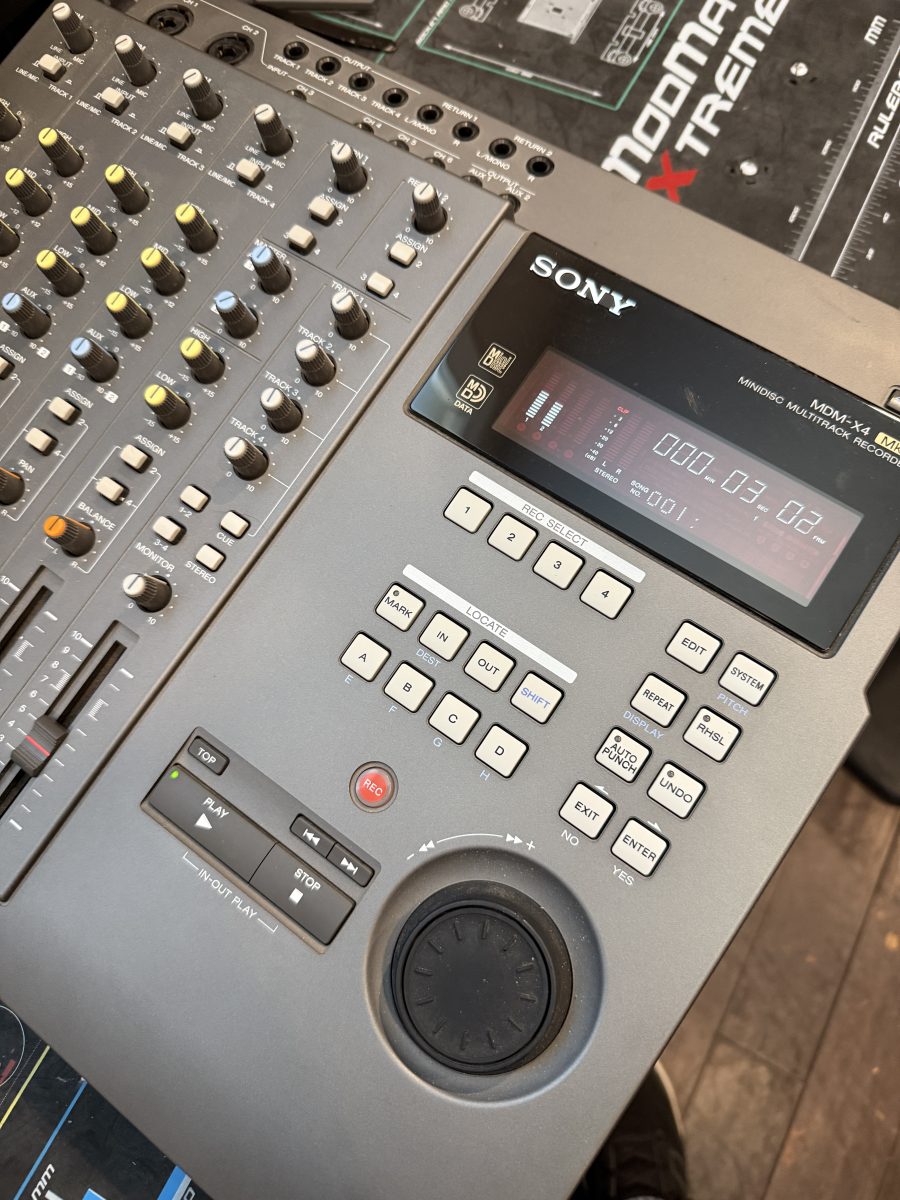
We recently had the pleasure of bringing a piece of late ’90s recording history back to life: the Sony MDM-X4 MkII MINIDISC MULTITRACK RECORDER . This compact, four-track recorder holds a special place for many musicians, and it felt great to save it from the scrap heap!
The Diagnosis: Two Problems, One Old Machine
When the unit arrived, it presented a classic duo of issues common in vintage electronics:
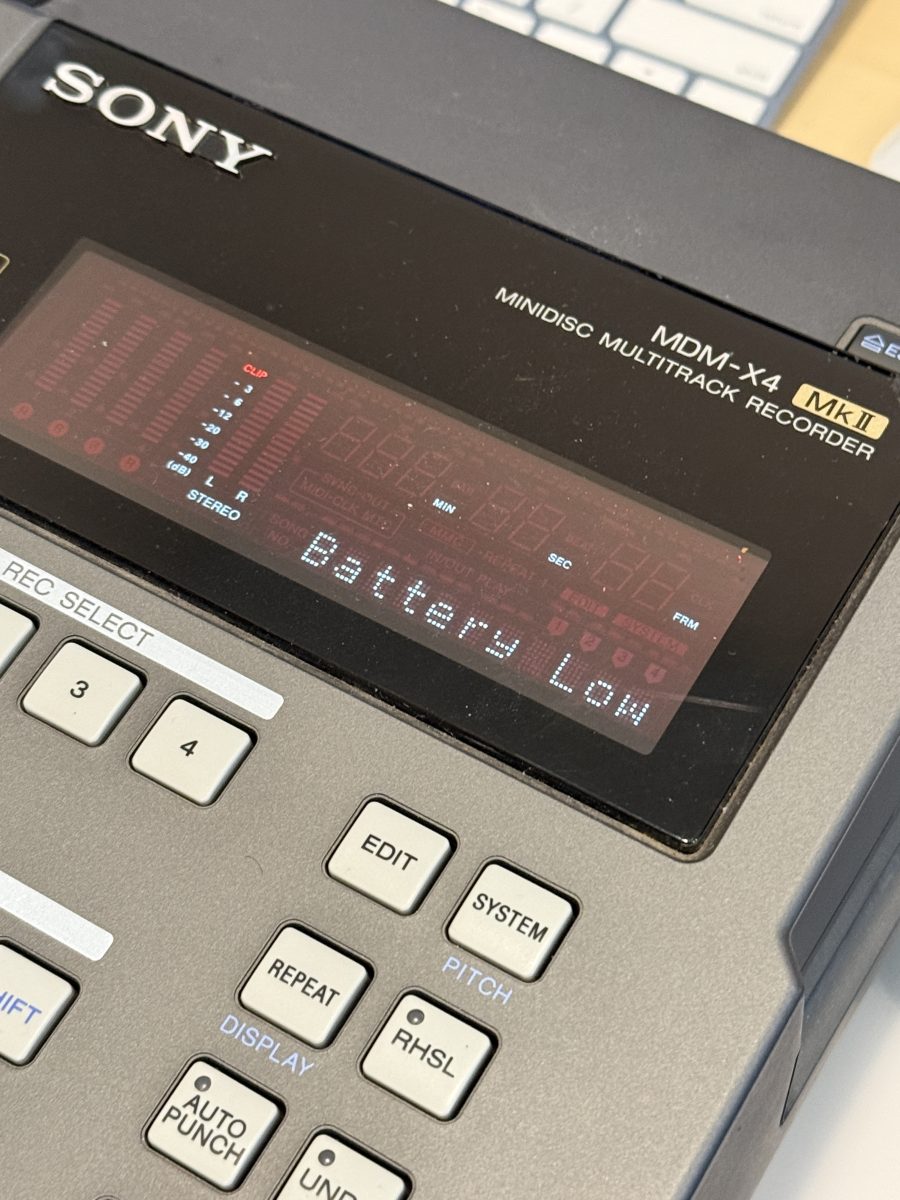
Problem 1: The “Battery Low” Error 🔋
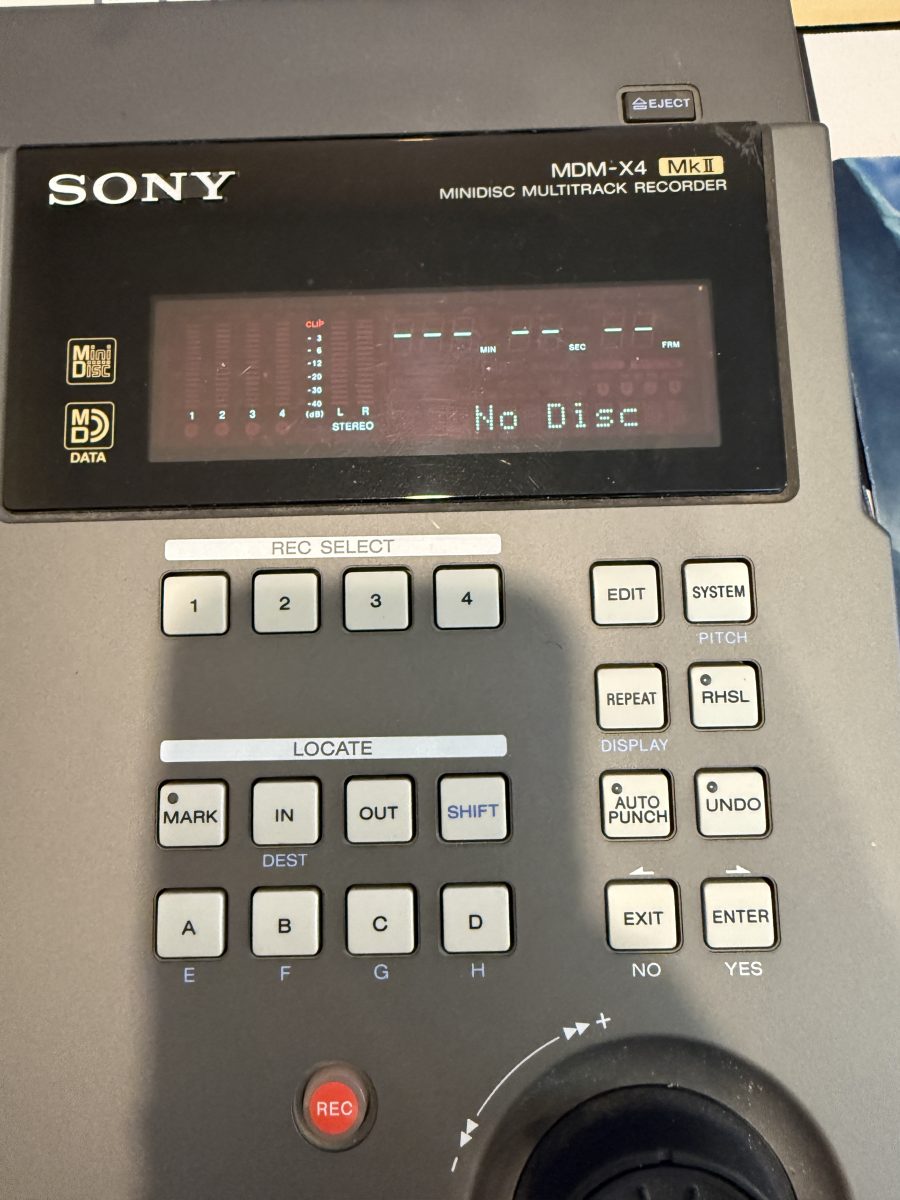
The first thing we noticed was the prominent “Battery Low” message glowing on the display. This battery isn’t for portable use; it’s the CMOS or “memory” battery responsible for retaining system settings, date, and time when the unit is unplugged.
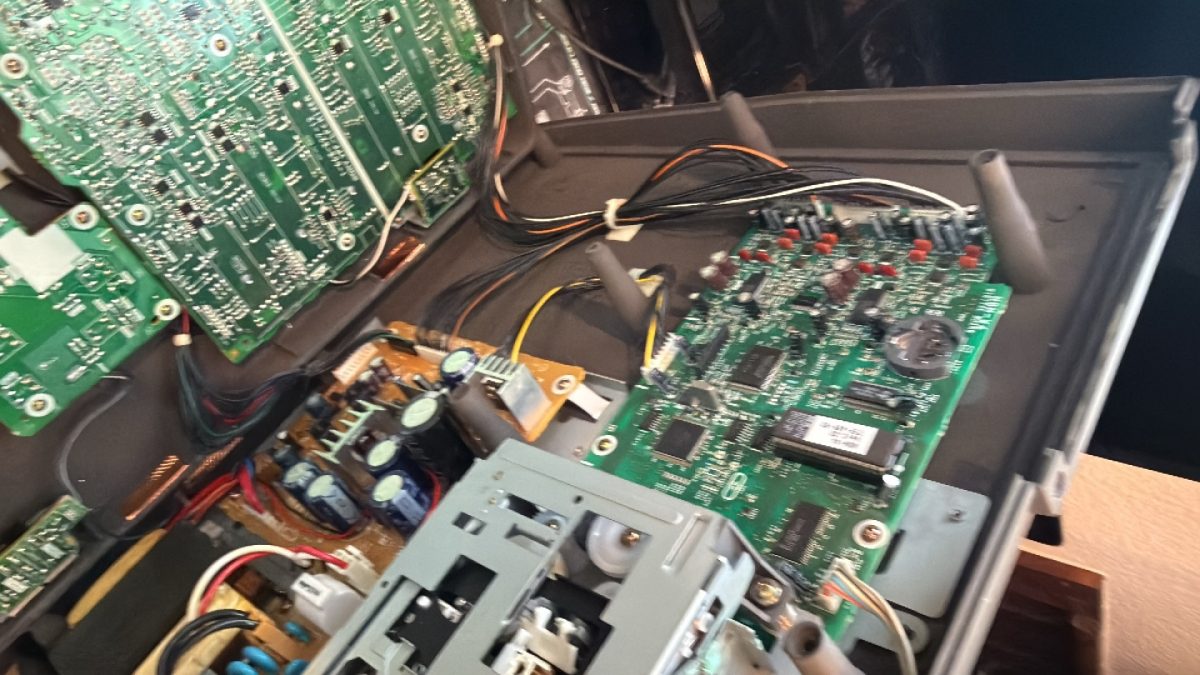
- The Fix: A quick look inside revealed a standard CR2032 3-volt lithium coin cell battery soldered or held in place on one of the circuit boards . We replaced the old, drained battery with a new one, clearing the error and ensuring the recorder would remember its settings.
Problem 2: The Melted Belt Mystery 😵💫
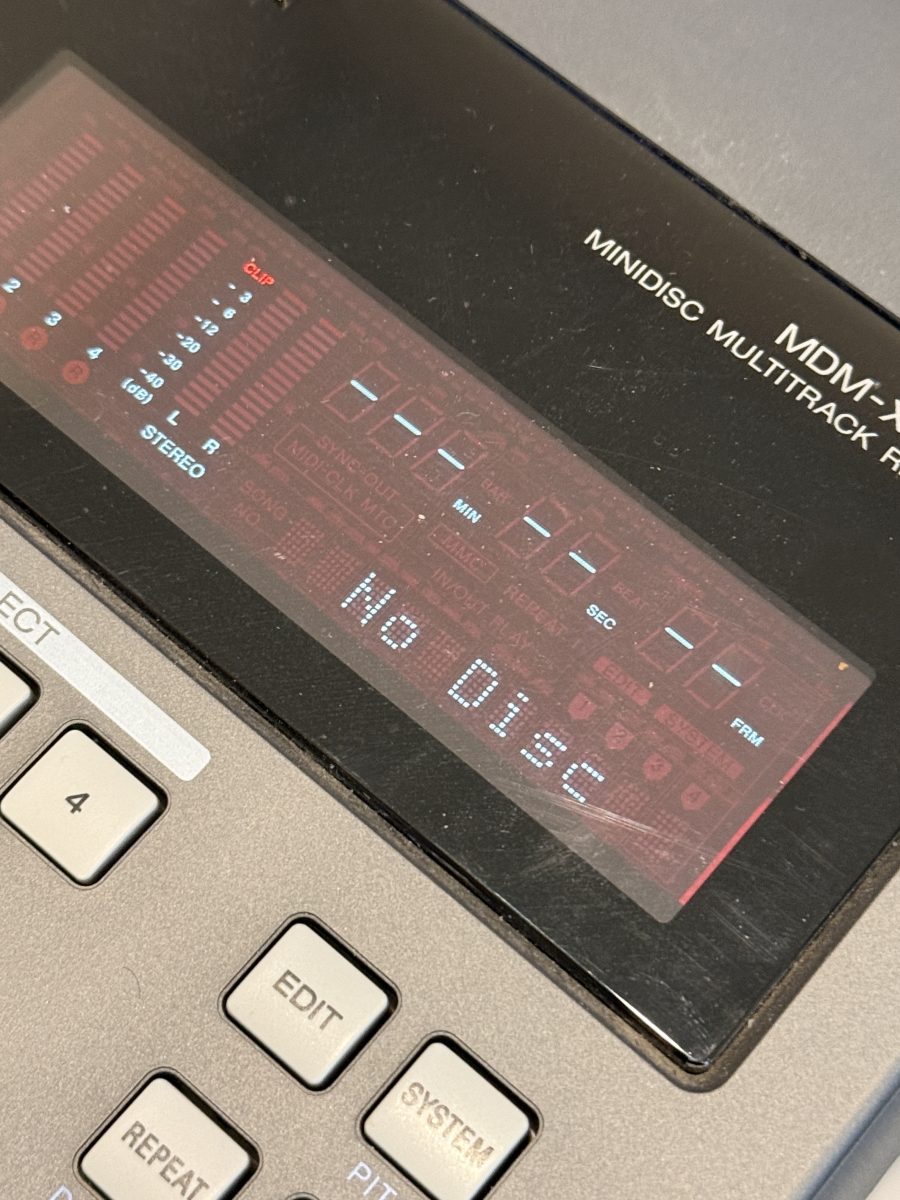
The second, and more complex, issue was with the MiniDisc transport mechanism. The owner reported that the recorder wouldn’t accept or eject a MiniDisc—it was effectively a doorstop.
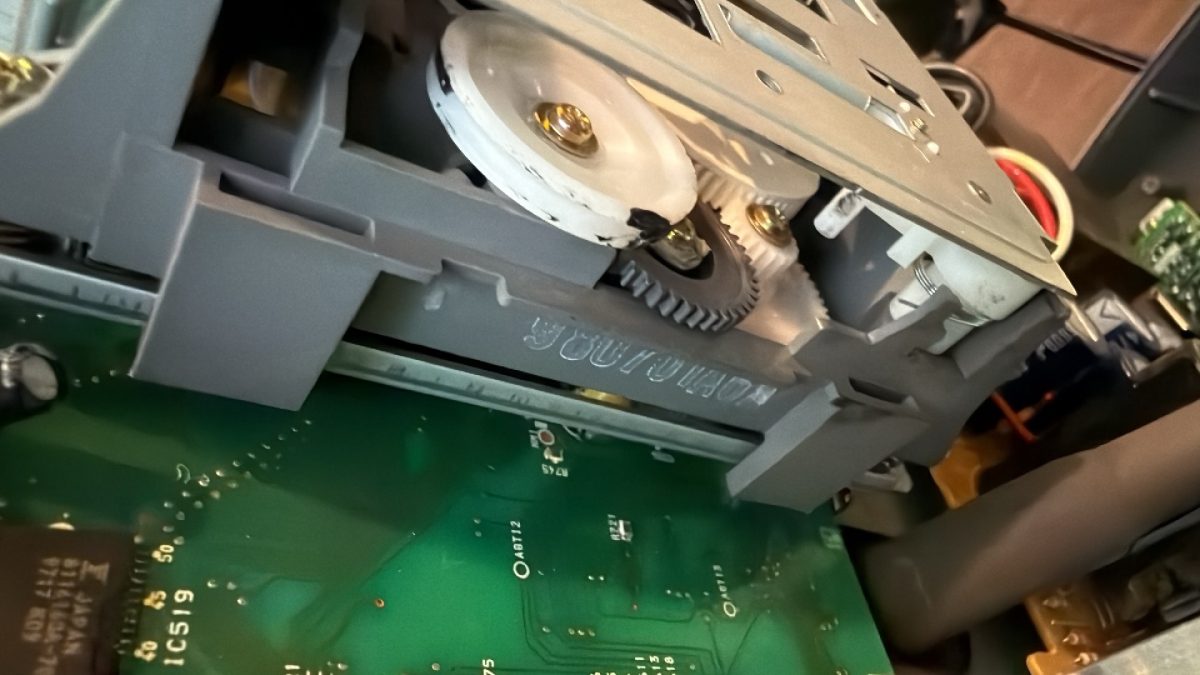
- The Inspection: After opening the casing , we found the root cause. The rubber drive belt responsible for moving the MiniDisc loading tray had completely deteriorated. It hadn’t just broken; it had melted into a sticky, tar-like residue that gummed up the plastic gears inside the mechanism. This is a common failure for rubber parts in electronics of this age.
- The Solution: Part Hunting: To fix the mechanism, we needed to clean out the melted residue and replace the faulty belt. For a repair this specific, we had to go back to the source. We tracked down the service manual and schematic for the MDM-X4 MkII. This allowed us to locate the exact diagram for the MiniDisc mechanism section and identify the specific part numbers for the belt and any associated components.
- The Part Number: The crucial part we needed was the drive belt, which was replaced with the manufacturer-specified item (or a suitable modern equivalent). Finding these original parts for a 1998 machine can be challenging, but after some searching, we successfully ordered the correct replacement.
- The Installation: Once the new belt was installed and the mechanism was thoroughly cleaned and re-greased, the transport mechanism sprang back to life! The MiniDisc loaded and ejected smoothly, ready for recording.
A Happy Ending (and a Few More Tracks)
This repair was a reminder that older equipment is often worth saving. It was incredibly satisfying to find the part for such an old device and bring this MDM-X4 MkII back to full working order. The recorder is now ready to lay down four tracks of vintage digital audio .
If you have a cherished piece of old gear that’s gathering dust because of a melted belt or a nagging error message, don’t give up on it! Drop us a line—we love a good vintage challenge. 🎧